Getting Started
How to Generate Interactive AI Stories with Pictures on Glimora
Updated September 7, 2026 · 4 min read
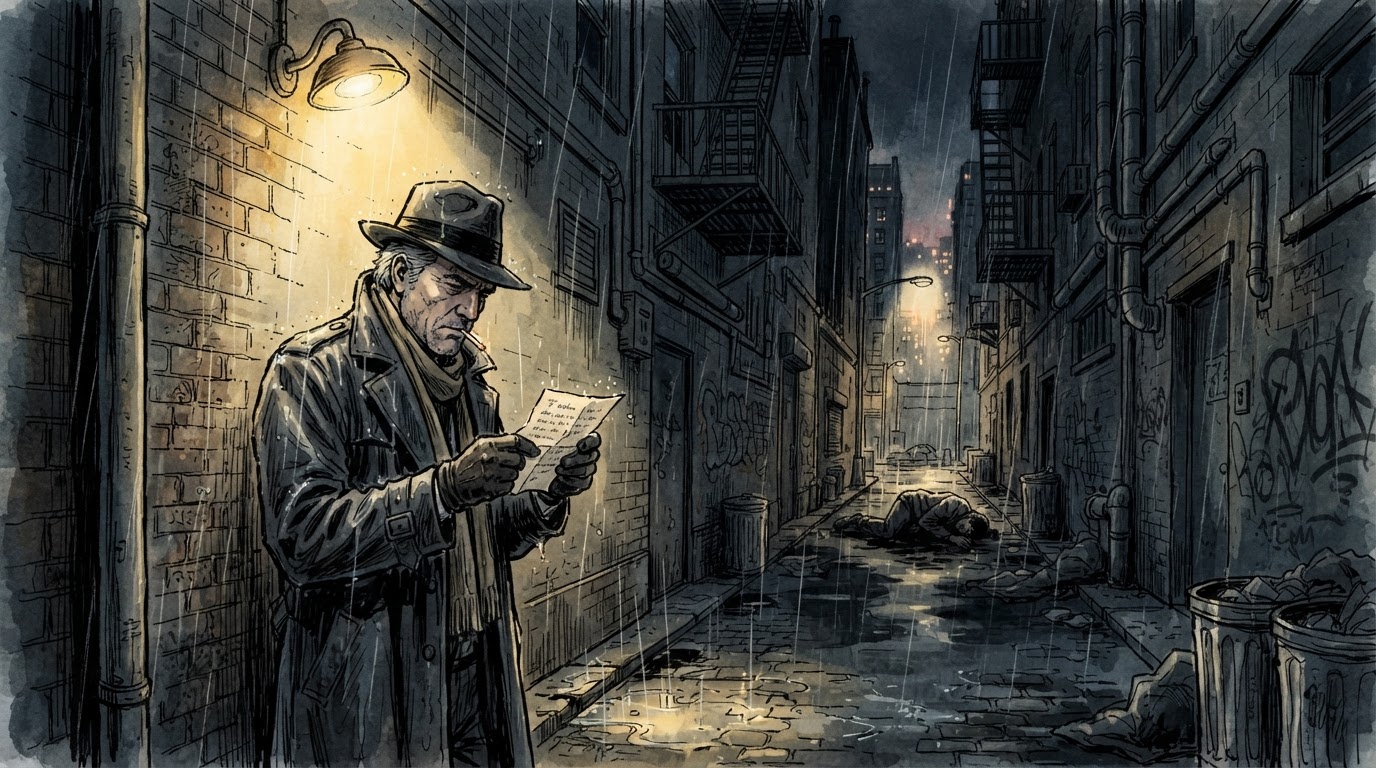
Glimora is an interactive AI story you play rather than read. You pick a world and a role, then type what your character does, and the narrator writes the next scene around it. Nothing is scripted, and the narrator keeps the whole story in memory. This guide walks through a first session, from the start screen to your first illustrated scene.
Step 1: Open the game, no account needed
Go to glimora.ai/play. There is no registration step. You get 4 free turns a day immediately, and your adventures are saved on the device you play on. If you later want the same stories on your phone and your laptop, tap Sign in and use Google; it takes one tap and migrates what you have already played.
Step 2: Choose a world, a role, and a name
The start screen asks three things:
- Where: Fantasy, Sci-Fi, Horror, Mystery, Apocalypse, or "Something else", where you describe your own world in a line. "A rain-soaked port city where the guilds run everything" is plenty.
- Who: your role, in a few words. "A disgraced knight", "a night courier", "the captain's stowaway".
- Name: what the narrator calls you.
Tap Begin. The narrator writes the opening scene and stops, waiting for you.
Step 3: Take a turn
Under the scene is one input with three modes:
- Do: an action. "Climb through the vent." "Draw my sword and step toward the door."
- Say: dialogue. Whatever you type is spoken by your character.
- Narrate: take the pen for a beat. Describe the storm, the arrival, the betrayal, then hand it back.
Type anything. The narrator improvises the next scene from it and remembers what happened. After each scene, three suggested moves appear if you want a nudge; you can also tap Continue to let the narrator keep going, Retry to rewrite the last scene, or Undo to step back.
Step 4: Keep the narrator on track
Open the settings panel (the sliders icon, top right). Three things matter most:
- Plot essentials: the facts the narrator must never lose. Who you are, what you want, what just happened.
- Story cards: named entries for characters, places and rules. When a card's name comes up in the story, its notes are pulled into the narrator's memory. This is how your companion keeps her name and her scar in chapter nine.
- Author's note: a standing instruction about tone. "Slow burn, keep the stakes personal." "More dialogue, shorter scenes."
Memory is measured in tokens. Free keeps about 6,000 words of story in view, Plus twice that, Pro four times. Story cards work on every plan.
Step 5: Illustrate a scene
On Plus and Pro, every scene has a Picture this button, and the composer has an illustrate button for the current moment. The illustrator reads the scene, your plot essentials and your last action, and paints it. It also looks at the previous illustration so recurring characters keep the same face, hair and clothes from picture to picture. Plus includes 50 illustrations a month, Pro 150. Tap an illustration to see it full size.
On the free plan, scenes are text only.
Step 6: Mature themes, for adults
Glimora is for adults aged 18 and over. Switch on Mature themes in the Style tab, on any plan, and the narrator brings darker material in on its own: romance, violence, horror and adult subject matter, within limits.
Step 7: Come back tomorrow, or get more turns
The free plan gives 4 turns a day, every day. When they are used up, your story is saved right where you left it. Plus gives you 100 turns a day, doubles the memory and adds illustrations for $9.99 a month or $79 a year. Pro gives you 200 turns a day, quadruples the memory and includes 150 illustrations for $19.99. Not ready for a plan? A turn pack gives you 100 turns for $1.99 or 500 for $4.99, once, with no subscription.
Tips for better stories
- Give the narrator something to work with. "I search the room" is fine; "I check the desk drawers for the letter she mentioned" gives the scene a shape.
- Use Narrate when the story drifts. One sentence of your own narration resets the direction better than three actions.
- Write in your own language. The narrator answers in it.
- Retry is not cheating. If a scene lands wrong, rewrite it and keep the story you want.
See also
- Free AI story generator
- AI text adventure
- AI Dungeon alternative
- Perchance alternative
- AI roleplay chat
Try it: 4 free turns a day, no account.
Start a story