The Perchance AI story generator, explained — and the alternative that remembers
Perchance is the free, no-sign-up AI story generator that most people try first, and for a quick block of story it is hard to beat. This guide explains how it works, what it is good at, and the two things it cannot do: remember your story, or let you play it. Glimora was built for exactly those two.
Glimora is for adults aged 18 and over. Perchance is a trademark of its owner; Glimora is not affiliated with perchance.org.
How a turn works
An action. "Climb through the vent." The narrator writes what happens.
Dialogue. Whatever you type, your character says out loud.
Take the pen for a beat: the storm, the arrival, the betrayal. Then hand it back.
What the narrator writes
Paste an opening you wrote or generated elsewhere into Glimora as your first move, and the narrator continues it, then remembers it. Nine turns later the lamp, the boats and the crews are still there, because the story is kept in memory rather than regenerated from a prompt.
You
Story mode: a Perchance-style opening, pasted in as the first move
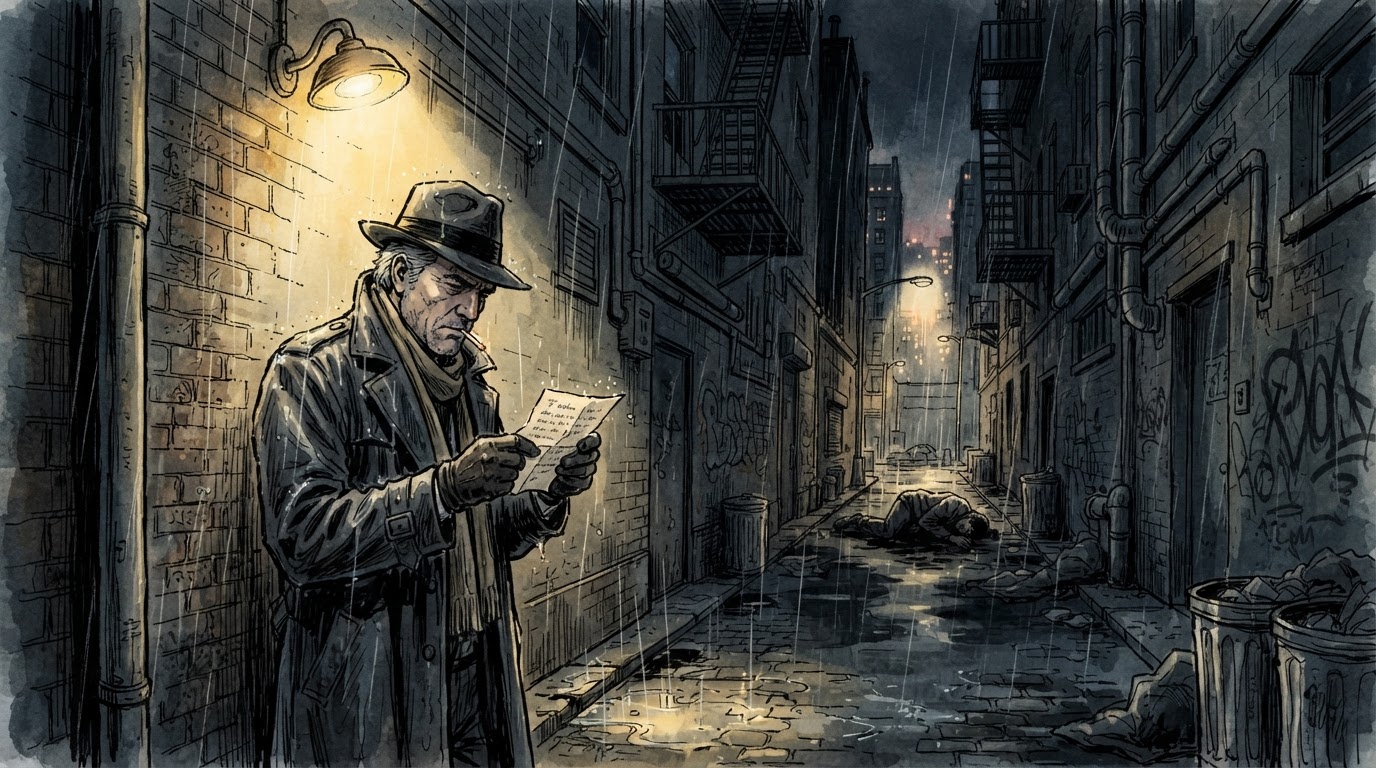
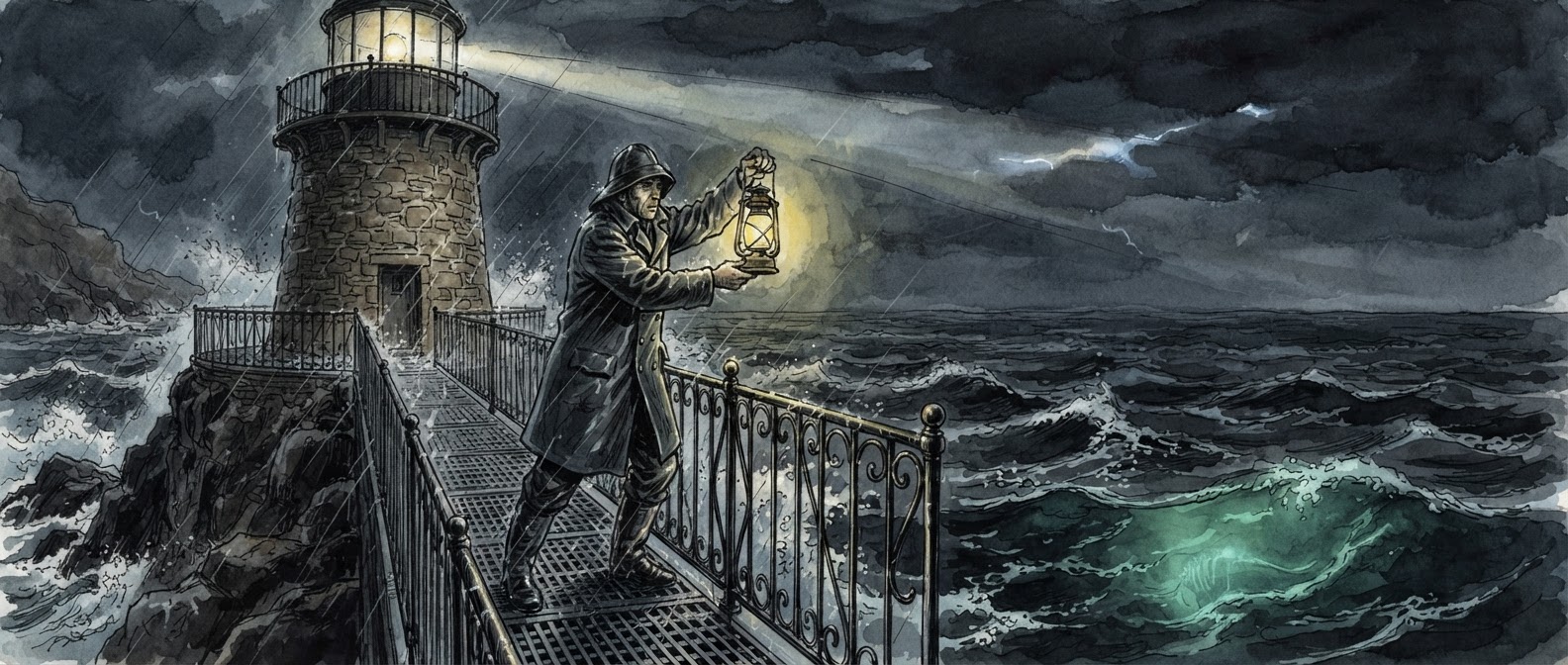
The lighthouse had been dark for nine years when the lamp came on by itself. You are the keeper who was paid to make sure it never did.
You take the stairs two at a time. The lamp room smells of hot brass and something older, like a church left shut. The lens is turning. Nobody is turning it.
Down on the rocks, three boats are already changing course toward the light, and you know every one of those crews by name.
Pick a world
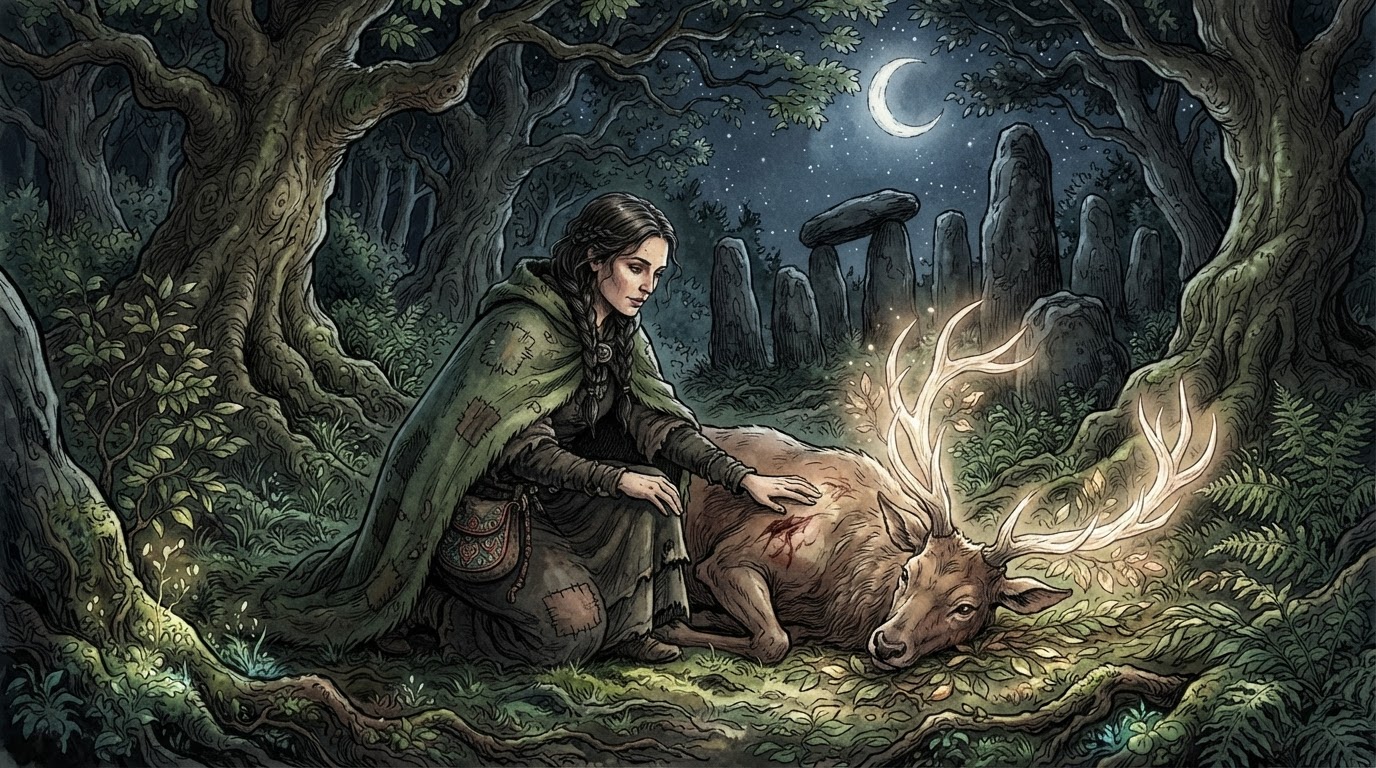
Tap one to start there.

What the Perchance AI story generator is
Perchance.org is a free site where anyone can publish a text generator, and its AI story generator is the one most people mean when they say "Perchance": you type a prompt, pick a few options, and it writes a block of story for you. No account, no sign-up, no limit on how many times you press generate. The main version lives at perchance.org/story-ai, and because generators can be copied and edited, there are several popular forks: an "enhanced" version with text-to-speech and a story bible, "Burg's take" with a leaner style, a "professional" variant, and dozens of smaller ones tuned for particular genres.
It is a generator in the literal sense. You describe what you want, it produces text, and if you want something different you change the prompt and generate again. That makes it excellent for a first draft, a plot idea, a writing exercise, or a few paragraphs of fiction to read on the bus. It also makes it a poor fit for the thing many people actually want from it, which is a story they can live inside for more than one sitting.
How it works, step by step
You open the generator and write a prompt in plain language: a setting, a character, a situation, a tone. Most versions let you set a genre, choose how long the output should be, and paste in a starting paragraph. You press generate and a block of story appears, usually a few hundred words.
From there you can ask for more. The generator writes the next chunk based on the prompt and on however much of the previous text it can still see. You can also edit the text directly, add guidance like "make the next part scarier", and generate again. Nothing is saved on a server: the story lives in your browser tab, and if you close it or your phone reloads the page, it is gone unless you copied it somewhere.
That flow is fast and frictionless, which is the whole point of Perchance. It is also the reason a long story drifts. Each new chunk is written from a limited view of what came before, so names change, dead characters reappear, and the promise made in chapter one is forgotten by chapter four.
What it does well
It is free without a catch. There is no daily limit, no account and no upsell; the site runs on ads. For a lot of people that alone decides it.
It is fast. A block of story arrives in seconds, and you can regenerate as many times as you like until one lands.
It is flexible. Because the generators are community-made, there is a version for almost every taste, and if none fits you can copy one and change the prompt template yourself. Mature and dark themes depend on which generator you use; some allow them and some do not.
It is good at prompts and openings. If what you want is a starting point for your own writing, a scene to react to, or ideas for a tabletop session, Perchance does that job well and asks nothing in return.
Where it falls short
It forgets. This is the complaint that brings most people here. A generator sees only a slice of the text it has already written, so the longer your story, the less of it the next paragraph is based on. Characters lose their names and their wounds; a locked door is open again; the antagonist you killed walks back in.
It does not save. Your story exists in one browser tab. Switch devices, clear your history or let the page reload, and it is gone. There is no list of your stories to return to.
It is not a game. You do not act inside the story; you ask for more story. There is no "I draw my knife and step into the corridor", only "write the next part, and make it tense". If you want the world to answer what you do, a generator is the wrong tool.
Regenerating is the only fix. When a paragraph lands wrong you either edit it by hand or roll the dice again, and every roll can change things you liked. There is no retry that keeps the rest, no undo that steps back one beat.
It is built for a desktop tab. It works on a phone, but a long generated text with the controls at the top is awkward to play in bed, which is where most of us actually read.
A generator versus an interactive story
The difference is who holds the pen. In a generator, you are the editor: you request text and judge it. In an interactive story, you are a character: you say what you do, and the narrator writes what happens next, then waits for you again. Every scene is a reply to something you chose.
Glimora is the second kind. You start with a setting and a name, the narrator opens the scene, and from then on you act in one of three ways. Do: "I follow the courier into the parking garage." Say: "Who sent you?" Narrate: take the pen for a beat yourself and describe the storm arriving. The narrator writes the next scene around whatever you chose, and the story only moves when you move it.
That changes what a mistake costs. A scene that lands wrong is one tap to retry or one tap to undo, so you fix ten seconds of story instead of regenerating a page and losing the parts you liked.
How Glimora remembers
Memory is measured in tokens, and Glimora keeps a large window of your story in view every turn: about 6,000 words on the free plan, twice that on Plus and four times on Pro. That is enough for the narrator to know what happened in the first chapter while writing the ninth.
For the things that must never drift, there are story cards: pin a character, a place or a rule of the world, and the narrator recalls it whenever it comes up, however far back it was introduced. Plot essentials sit in the narrator's mind on every turn, so who you are and what you are trying to do never gets lost under the weight of the story.
Adventures are saved privately and reopen where you left them, on any device. Sign in with Google once and your stories follow you; play without signing in and they stay on the device you used.
Moving a Perchance story into Glimora
You do not have to start over. Copy the story you have, start a new adventure, switch the composer to Narrate, and paste it in as your first move. The narrator treats everything you pasted as what has already happened and continues from the last line. Put the facts that matter most, such as your name, your goal and the one thing the villain must not learn, into plot essentials, and add a story card for any character you want kept exactly as you wrote them.
From then on it plays as an interactive story: you act, the world answers, and the opening you brought with you stays true.
What it costs
Free: 4 turns a day, every day, with no account. A turn is one scene from the narrator. Want more on a given day? Buy turns once, from $1.99, with no subscription; they never expire. Plus: 100 turns a day, twice the memory and 50 illustrated scenes a month, for $9.99 a month or $79 a year. Pro: 200 turns a day, four times the memory and 150 illustrations, for $19.99.
Who should stay on Perchance
If you want a quick block of fiction, a prompt to react to, or a particular community fork you already like, Perchance is the right tool and it costs nothing. If you use it mainly for its image generators, Glimora is not a replacement for those. Glimora is for the other case: a story you want to play over days or weeks, with characters who stay who they are, that is waiting for you when you come back.
Perchance vs Glimora
| Perchance | Glimora | |
|---|---|---|
| What it is | A text generator | An interactive story you play |
| How you write | Prompt, generate, generate again | Turn by turn: act, speak, or narrate |
| Memory | Sees a slice of recent text | Thousands of words in view, plus story cards |
| Saving | Lives in the browser tab | Saved privately, reopens on any device |
| Fixing a bad scene | Edit by hand or regenerate the lot | Retry or undo one move |
| Account | None | None to play; Google only to sync |
| Pictures | Separate image generators | Scenes illustrated on paid plans, characters kept consistent |
| Languages | Mostly English | Writes in yours |
| Mature themes | Depends on the generator | For adults, within limits |
| Price | Free, ad-supported | 4 free turns a day; packs from $1.99; Plus from $6.58 a month |
What is free, what is not
| Free | Plus · $9.99 | Pro · $19.99 | |
|---|---|---|---|
| Turns | 4 a day | 100 a day | 200 a day |
| Story memory | 8k | 16k | 32k |
| Illustrations | No | 50 a month | 150 a month |
| Mature themes | Yes | Yes | Yes |
Questions
›What is the Perchance AI story generator?
A free text generator on perchance.org: you write a prompt and it writes a block of story, with no account or sign-up. Several community-made versions exist, such as the enhanced and professional forks. Glimora is a separate site, not affiliated, that turns the same idea into a story you play turn by turn.
›Is the Perchance story generator free?
Yes, completely, with no daily limit; it is supported by ads. Glimora is free to start too, with a set number of turns each day, and paid options only if you want more.
›Does Perchance save your stories?
No. A story lives in your browser tab and is lost if the page reloads or you switch devices, unless you copy it somewhere yourself. Glimora saves every adventure privately and reopens it where you left off.
›Why does the Perchance AI forget my story?
A generator writes each new chunk from a limited view of the text before it, so details drift as the story grows. Glimora keeps thousands of words in view every turn and lets you pin the facts that must never change.
›Can I continue a Perchance story in Glimora?
Yes. Paste it in as your first move using Narrate mode and the narrator continues from the last line, treating everything you pasted as what has already happened.
›Is Glimora like Perchance for mature stories?
Mature themes, romance, violence and dark stories are allowed for adults on every plan, within limits. The narrator does not stop mid-scene to lecture. Glimora is for adults aged 18 and over.
›Do I need an account for Glimora?
No. Play immediately. Sign in with Google only if you want your adventures on more than one device.
›Can it write in my language?
Yes. Write your actions in Portuguese, Spanish, German, French, Vietnamese, Indonesian, Russian or anything else, and the narrator answers in it.
The Perchance AI story generator, explained — and the alternative that remembers
Glimora is for adults aged 18 and over. Perchance is a trademark of its owner; Glimora is not affiliated with perchance.org.